📺 The interactive Hub
Ten tabs, touch- & remote-friendly, works offline once set up. Try it above.
🏠
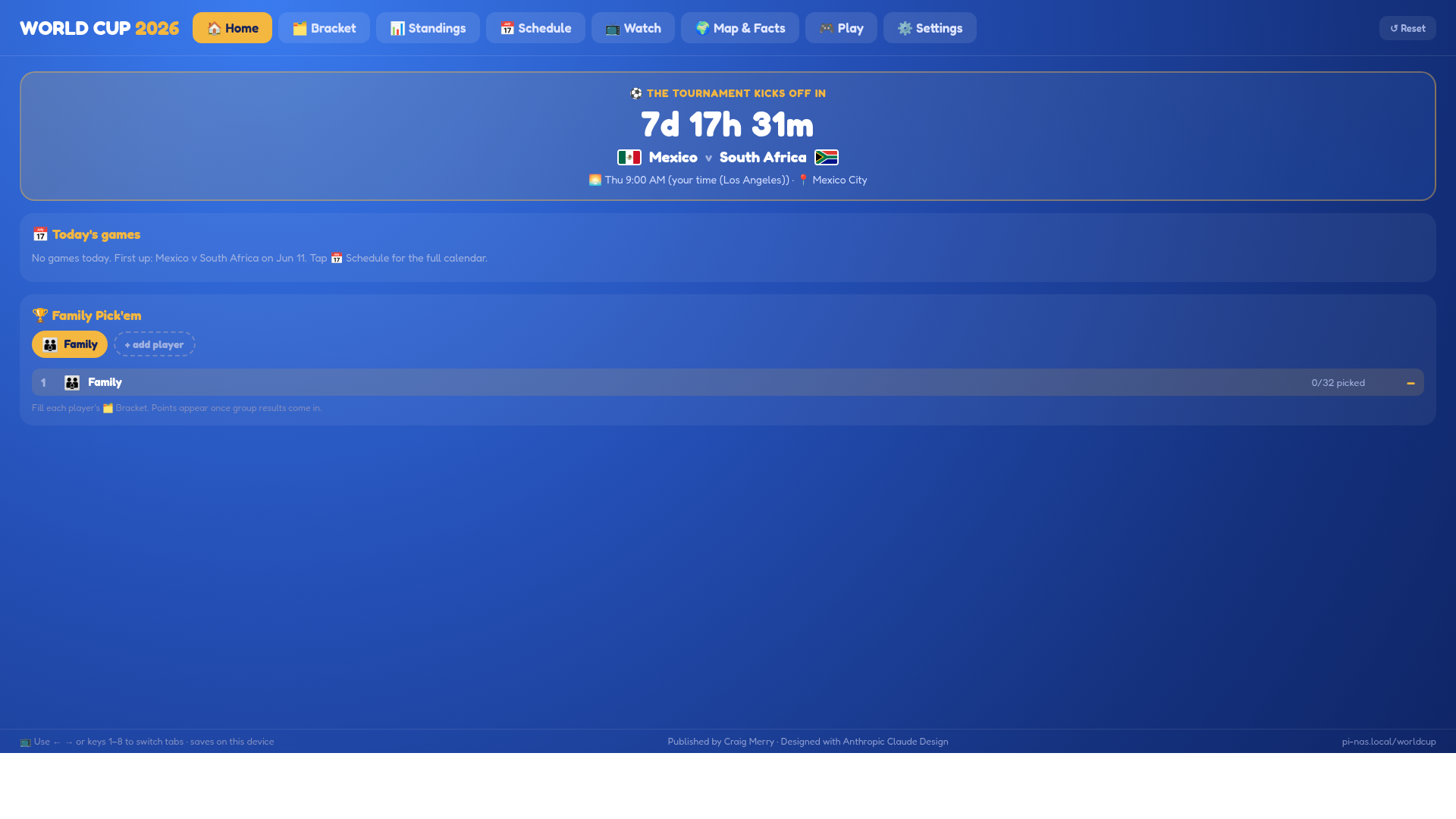
Home & countdownLive countdown to the next kick-off in your time zone, today's games, and your favorite team.🗂️
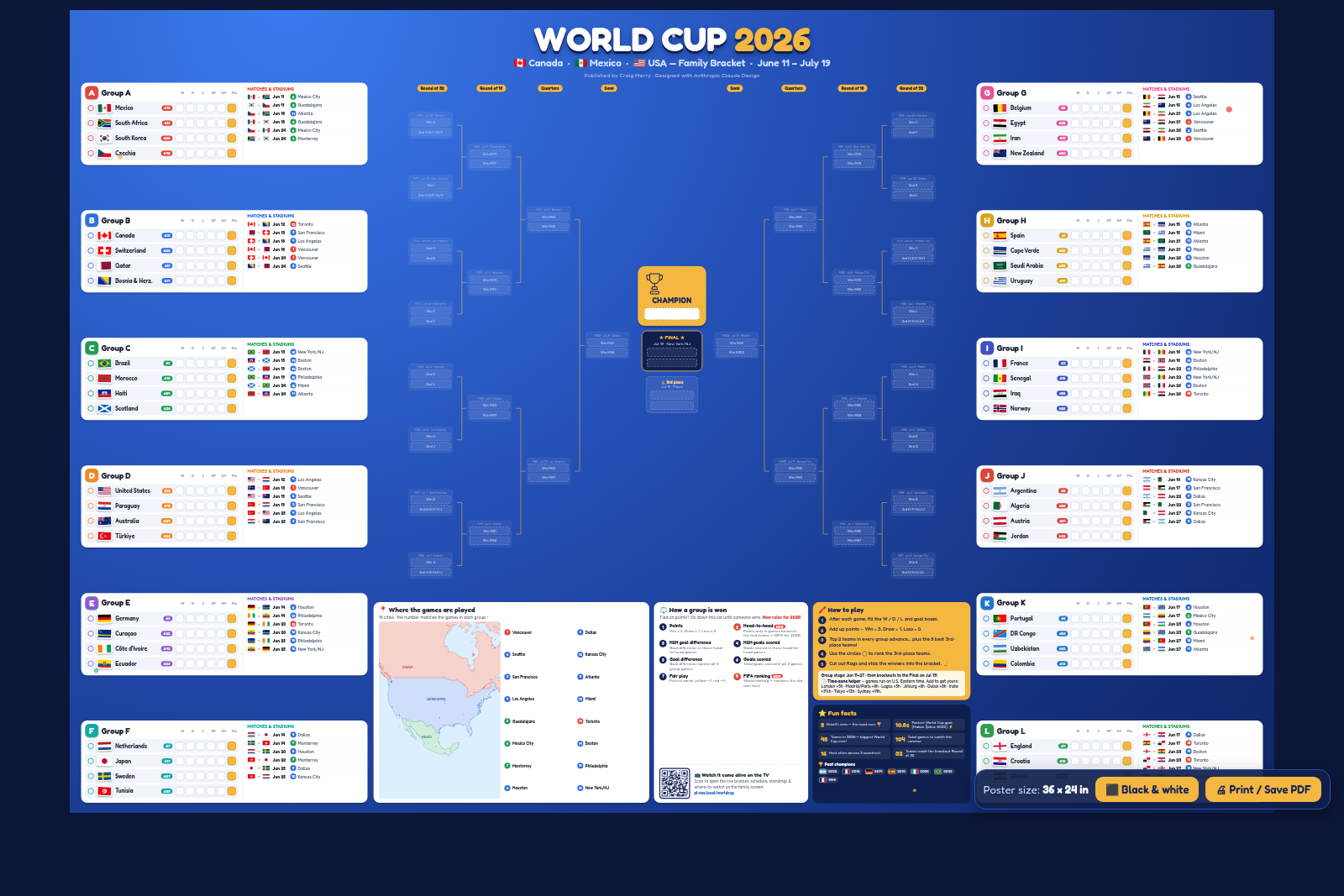
Fillable bracketReal 2026 knockout skeleton — every slot shows its feeders, match #, date & host city.📅
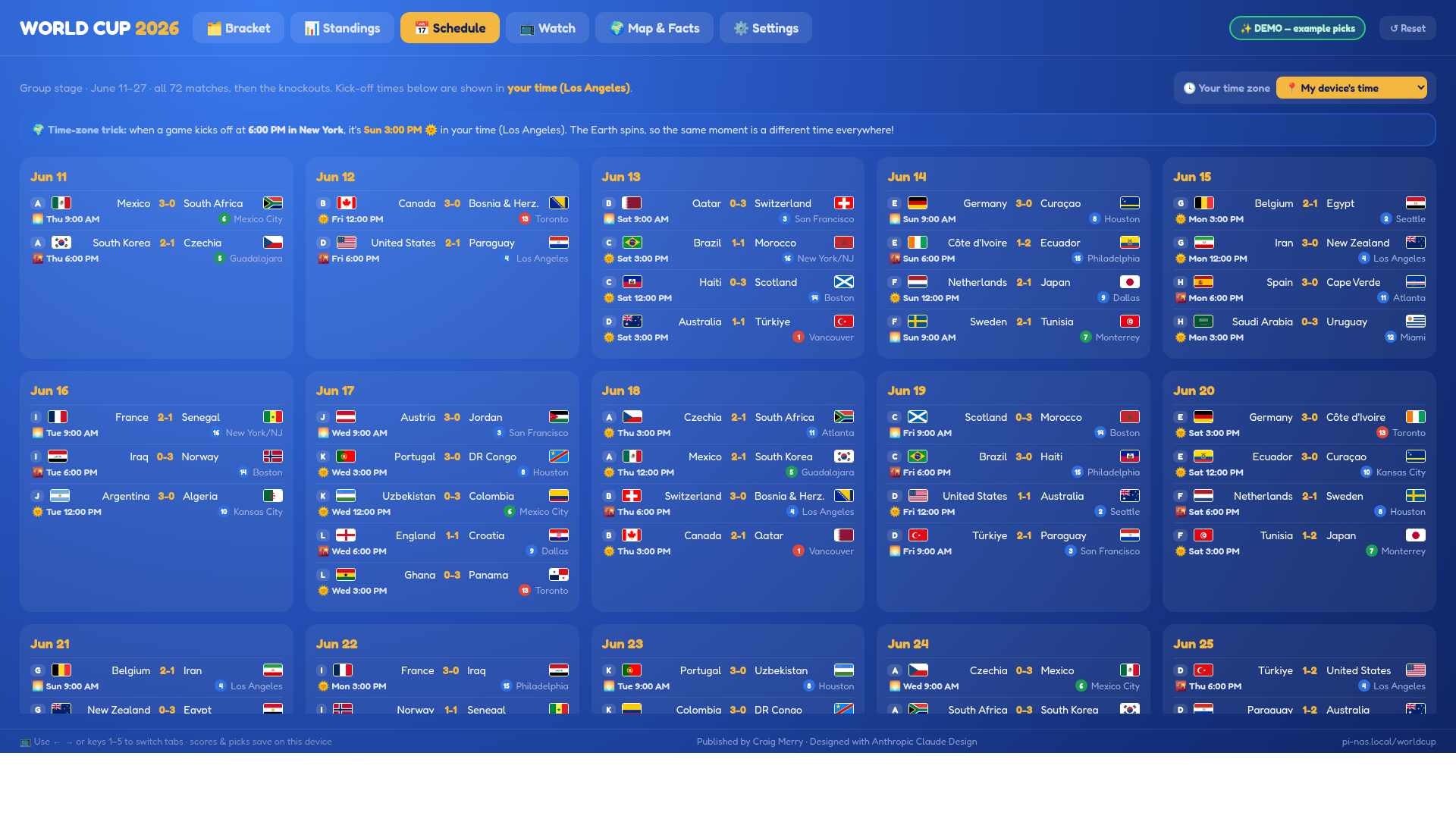
Schedule, your timeKick-offs converted to any time zone with 🌞/🌙 day-or-night icons + a kids' time-zone lesson.📺
Where & how to watchUS, Canada, Mexico & the rest of the world — including the genuinely free options.🌍
Map & kid factsHost-city map plus rotating, kid-friendly facts for all 48 countries.🎮
Quiz & Family Pick'emA flag/country/food quiz, plus a per-player bracket leaderboard for a family competition.🎟️
Panini sticker trackerTrack all 980 stickers with real player names, mark Have/Need/doubles, and a Trade Matcher shows who can swap what.👨👩👧
Trade with family far awayOptional free Family Sync (a Google Sheet) lets relatives in other homes propose and accept trades.🖨️ Print it
Open, then hit Print / Save PDF. Each has a ⬛ Black & white ink-saver mode for any printer.
👀 A peek
💻 Run it on your computer
No server skills needed. Works on Mac, Windows & Linux — uses Python or Node if you already have them.
- Download the project: the green Code → Download ZIP button on GitHub, then unzip it.
- Double-click the launcher for your computer:
start.command(Mac),start.bat(Windows), orstart.sh(Linux). - Your browser opens the Hub at
http://localhost:8080/worldcup/. That's it!
Prefer Docker? docker build -t worldcup . && docker run -p 8080:8080 worldcup, then open localhost:8080/worldcup/. Full notes are in the README.